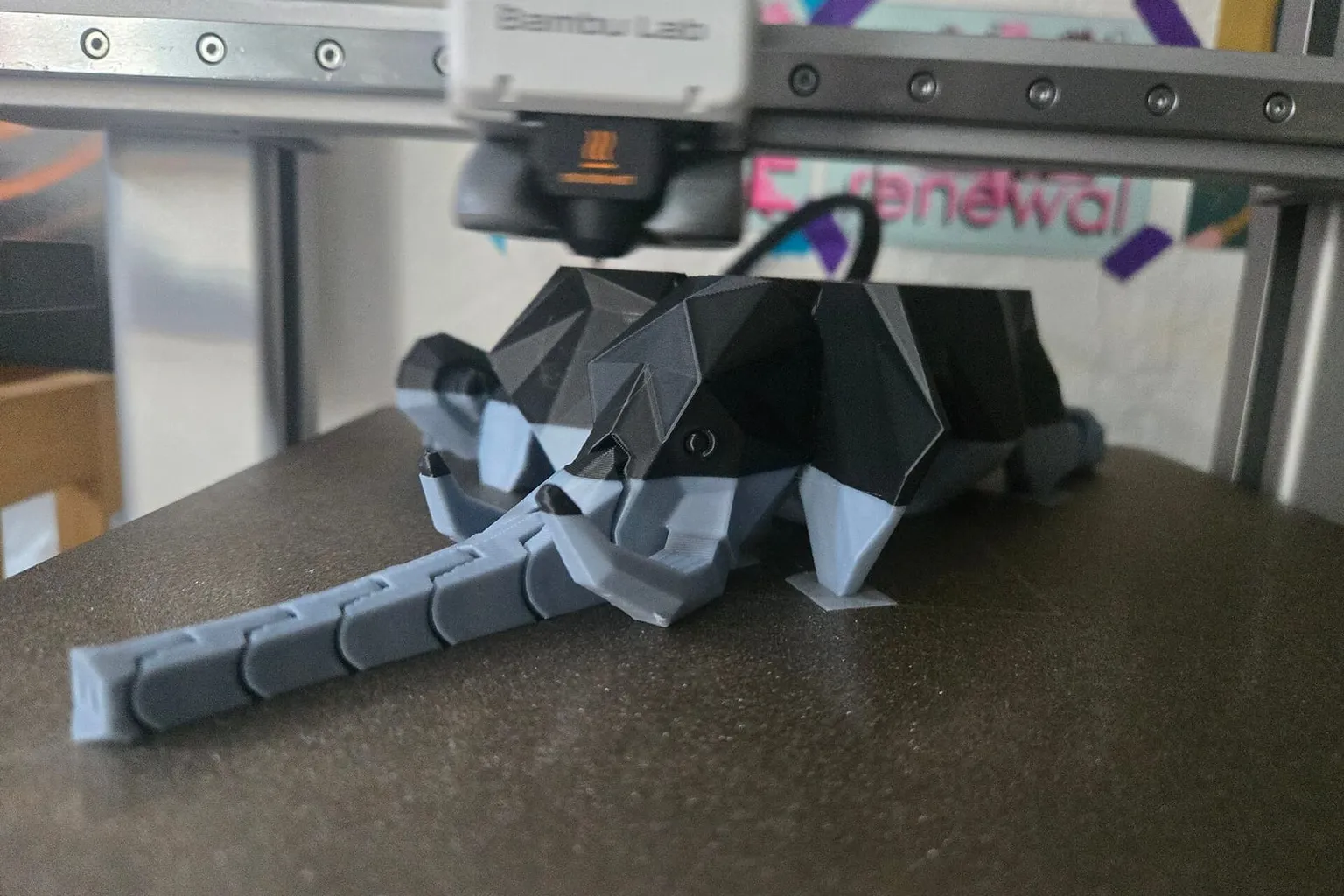
You do not need a new printer to print in more than one color. The routes run from free (pausing at a layer to swap filament) to a bolt-on filament changer to a full toolchanger conversion. This page lists each one, the printers it fits, and what it costs.
To add multi-color printing to a printer you own, pick one of three routes. A manual color change at a layer costs nothing and works on almost any printer. A filament changer, such as Bambu Lab’s AMS, Prusa’s MMU3 or an open-source Klipper unit, swaps filament automatically through your existing nozzle. A toolchanger conversion adds separate toolheads, and kits exist for Voron and the Prusa CORE One.
Do you need an AMS to print multiple colors?
No. Any printer that can pause can print in layer-by-layer colors, with you swapping the filament by hand. Bambu Lab documents this for printers without an AMS: “When you don’t have an AMS, you can achieve multi-color printing using only external spools. This feature will pause the print job when a color change is needed.” An AMS or other changer only automates the swap and allows color changes within a layer.
How to print multi-color without an AMS: filament swap at layer change
Add a color change at the layer where the new color should start, then swap the filament when the printer pauses. This works best for signs, logos and parts where color changes by height. Prusa’s knowledge base says the printer “automatically pauses the print as soon as it reads the color change in the G-code (M600 command)”.
In PrusaSlicer:
- Slice the model.
- Drag the layer slider to the layer where the new color starts.
- Click the orange plus icon to add a color change, or right-click and choose “Add color change”.
- Print. At that layer the printer pauses, and you load the new filament.
In Bambu Studio, right-click the layer slider at the target layer. Its menu offers “Add Pause”, described as “Insert a pause command at the beginning of this layer.”, and a filament change at the start of the layer.
Multi-color add-ons for existing printers compared
The table lists the add-ons you can buy or build for a printer you own, sorted by price. It is not a ranking. Prices are as listed on October 1, 2026, in US dollars, and several community kits were sold out on that date.
| Add-on |
Type |
Fits |
Open source |
Price |
| Bambu Lab AMS HT |
Filament changer and dryer, one slot |
All Bambu Lab printers |
No |
$139 |
| FYSETC ERCF v2 kit |
Klipper filament changer, 8 or 12 channels |
Klipper printers |
Yes (GPL-3.0) |
$159.99 (8), $185.99 (12); sold out |
| Bambu Lab AMS lite |
Filament changer, 4 slots |
Bambu Lab A1 and A2 series only |
No |
$199 |
| Bambu Lab AMS |
Filament changer, 4 slots |
Bambu Lab A1, X1, P1, P2S, H2 series, X2D, A2 |
No |
$249 |
| Bambu Lab AMS 2 Pro |
Filament changer with 65 °C drying, 4 slots |
All Bambu Lab printers |
No |
$299 |
| LDO Box Turtle kit |
Klipper filament changer |
Klipper printers, Voron in particular |
Yes (GPL-3.0) |
$299.99; sold out |
| Prusa MMU3 |
Filament changer, 5 filaments |
Original Prusa MK4/S, MK3.9/S |
Not stated |
$299 to $349 |
| Prusa MMU3 Enclosed |
Filament changer, 5 filaments |
Prusa CORE One/+ |
Not stated |
$369 kit, $409 assembled |
| Prusa INDX conversion |
Toolchanger, 4 or 8 toolheads |
Prusa CORE One/+, CORE One L/L+ |
Not stated |
$749 to $999 by kit |
Bambu Lab printers may need a hub or buffer to connect an AMS, which Bambu Lab’s connection guide covers. Prusa’s MMU3 compatibility page also lists the MK3S+ as compatible, with its own package. Prusa’s INDX page body quotes lower “from” prices than its variant listings. Mosaic’s Palette 3, which worked by splicing filament, was phased out in November 2024.
Which filaments work in an AMS?
Most rigid filaments, but flexible ones need care. Bambu Lab’s AMS notes say to “avoid using AMS to print flexible materials, including TPU, TPE, or absorbent PVA, as they may get stuck inside the AMS feed tube”. The AMS 2 Pro supports Bambu Lab’s “TPU for AMS” but not generic TPU. The AMS HT has a separate port for TPU, without automatic feed and return. Which filaments work in a Bambu Lab AMS has the full table for every AMS model.
Multi-color printing on Klipper printers
Klipper printers can add an open-source filament changer, run by community software. ERCF describes itself as “an expandable MMU for Klipper-based 3D-Printers”, and Box Turtle as “an open source AMS style filament changer for Klipper machines”. Both are released under GPL-3.0, and you can build them from the published files or buy a kit.
The software that drives them is separate. Happy Hare is a “universal automated filament changer / MMU driver for Klipper” that supports “most community-built MMU/AFC systems, including Box Turtle, ERCF”, Tradrack and others. Box Turtle also has its own AFC Klipper add-on, which describes itself as “fully open source”.
A filament changer is cheaper and fits more printers, but feeds one nozzle and purges between changes. A toolchanger gives each filament its own nozzle, so it purges far less and can mix materials at different temperatures, at a higher price and with more mechanical work. The multi-color printing explainer compares the architectures in detail.
Two kinds of toolchanger kit exist for CoreXY printers you own. For Vorons, two open-source designs are published on GitHub: StealthChanger, for “Vorons and other front mount printer motion systems”, and TapChanger, a “toolchanger for Voron 2”. For the Prusa CORE One, Prusa sells the INDX, which it describes as “a conversion kit, not a new machine”, with up to eight toolheads.
| Toolchanger route |
Fits |
Open source |
Price |
| StealthChanger |
Voron and other front-mount motion systems |
Yes (GPL-3.0) |
LDO base kit $89.99, sold out; toolheads extra |
| TapChanger |
Voron 2 |
Yes (GPL-3.0) |
No complete kit found |
| Prusa INDX |
Prusa CORE One/+, CORE One L/L+ |
Not stated |
$749 to $999 by kit |
On a Voron, the open-source StealthChanger has the lowest entry price listed here. Its base kit is only the start: each extra toolhead adds its own hotend, extruder and parts. On a Prusa CORE One, the INDX conversion starts at $749 for four toolheads. If you are open to a new printer, Snapmaker’s US store listed its four-toolhead U1 at $749 on October 14, 2026.
Cheapest way to get multi-color 3D printing
A manual color change at a layer costs nothing and works on any printer that can pause. For automatic color changes, the cheapest options listed here are Bambu Lab’s AMS lite at $199 for the A series, and the open-source ERCF and Box Turtle for Klipper printers, which you can build from published files. On Prusa printers, the MMU3 starts at $299.
Best multi-color upgrade for an older printer
The right upgrade depends on the printer’s firmware and maker. Bambu Lab printers take Bambu Lab’s AMS family, and Prusa printers take the MMU3. Older printers running Klipper, including Vorons, can use ERCF or Box Turtle with Happy Hare or the AFC add-on. For any printer, a manual layer change remains the no-cost option.