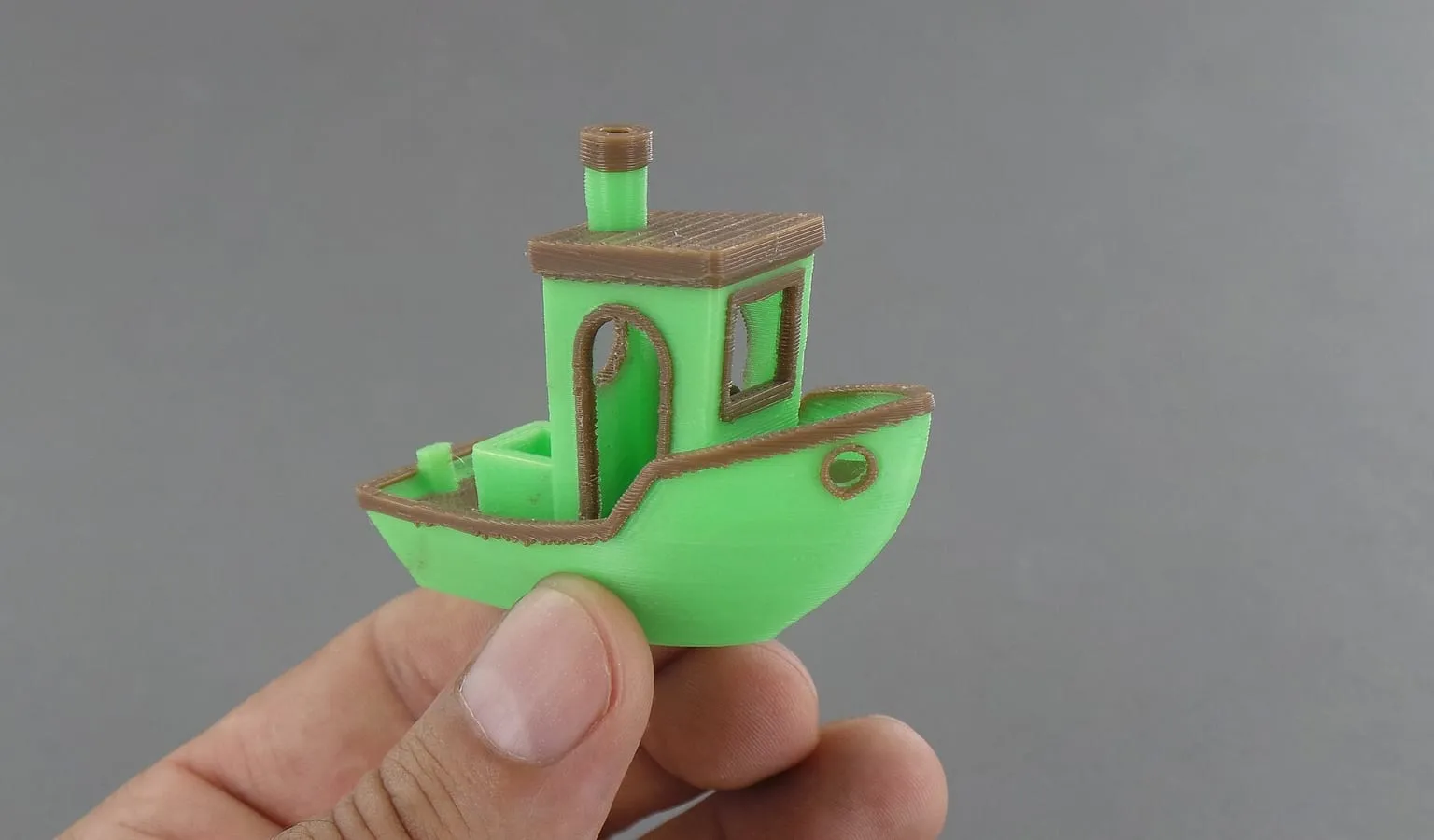
A 3D printer prints more than one color in one of four ways: it swaps filament through a single nozzle, switches between two nozzles, runs two independent extruders, or changes whole toolheads. Each approach handles purging, material mixing and cost differently. This page explains all four.
Multi-color 3D printing works by changing which filament reaches the print, in one of four ways. A filament changer such as Bambu Lab’s AMS or Prusa’s MMU3 swaps filament into one nozzle and purges the old color. A dual-nozzle printer switches between two nozzles. An IDEX printer runs two independent extruders. A toolchanger swaps whole toolheads.
How does multi-color 3D printing work?
Every method feeds different filaments to the print at different moments, set by the slicer. The difference is where the switch happens. A single-nozzle system switches filament inside one hotend and must clear the old color first. Multi-nozzle systems keep each filament in its own nozzle, so they switch with little or no clearing.
| Architecture |
How it changes color |
Purging |
Example |
Price |
| Filament changer, one nozzle |
Retracts one filament and loads the next into the same nozzle |
Flushes the old filament through the nozzle each change |
Bambu Lab AMS; Prusa MMU3 |
$249 (AMS); $299 to $349 (MMU3) |
| Dual nozzle |
Switches between two nozzles on one toolhead |
Only when one nozzle changes filament |
Bambu Lab H2D |
From $1,549 |
| IDEX (independent dual extruder) |
Two extruders move independently on the X axis |
Less than a filament changer, per its maker |
Snapmaker J1s |
$699 |
| Toolchanger |
Parks one toolhead and picks up another |
“Zero purge waste” for color changes, per Prusa |
Prusa XL+; Snapmaker U1 |
$2,690 to $4,190 (XL+, 1 to 5 toolheads); $749 (U1) |
Prices are as listed by each maker on October 1, 2026, except the toolchanger row: the XL+ prices were listed by Prusa on October 14, 2026, on its US business page for the assembled printer, and the U1 price is from Snapmaker’s US store the same day. Mosaic’s Palette, which spliced filament before it reached the printer, was phased out in November 2024.
Can a 3D printer print multiple colors with one nozzle?
Yes. A filament changer feeds several filaments into one nozzle in turn. Bambu Lab’s AMS merges “four filament paths into one”, and Prusa’s MMU3 has “five filament insertion points”. The cost of one nozzle is purging: each color change has to clear the old filament before the new one prints cleanly.
How do multi-color prints come out of one extruder?
The printer pulls the old filament back, loads the new one, and pushes out plastic until the color is pure. Bambu Lab describes it: “the extruder pushes or “Flushes” the old filament through the nozzle until the filament being extruded is purely the new filament.” The flushed plastic goes into a waste chute or a prime tower, “a sacrificial piece printed before returning to the actual printed models.”
What is an AMS on a 3D printer?
AMS is Bambu Lab’s Automated Material System, a filament changer that sits beside the printer. Bambu Lab’s wiki describes “a set of four Filament Slots, a Filaments Hub, and a Filament Buffer”, with the hub merging the four paths into one. Bambu Lab sells several versions, including the AMS lite for its A series and the AMS 2 Pro, which it says fits all its printers.
What is an MMU in 3D printing?
MMU stands for multi-material unit, Prusa Research’s name for its filament changer. Prusa’s MMU3 is “solution for printing with up to five filaments”, sold as an add-on for the Original Prusa MK3.9/S and MK4/S, with a separate enclosed version for the CORE One. Like an AMS, it feeds one nozzle and purges between colors.
Single nozzle vs multi-nozzle color printing
A single nozzle is cheaper and fits more printers, but purges on every color change. A multi-nozzle system costs more and purges far less. Bambu Lab’s wiki explains the single-nozzle cost: each change leaves filament in the extruder, so it “requires enough new filament volume (flushing volume) to flush out the old filament.”
Dual nozzle vs single nozzle with an AMS
A dual-nozzle printer keeps two filaments loaded, one per nozzle, and switches between them without flushing. Bambu Lab’s wiki says “switching between filaments only requires switching the nozzles rather than flushing the old filament with the new one.” Flushing still happens when one nozzle changes to a third filament. A dual-nozzle printer can also feed each nozzle from an AMS.
All three put more than one nozzle on the printer. They differ in how the nozzles move:
- Dual nozzle (dual extruder): two nozzles share one toolhead and switch in place, as on the Bambu Lab H2D.
- IDEX: two complete extruders move independently. Snapmaker says IDEX is “the only extrusion system with two separate extruders moving independently on the X-axis”, which also lets it run two prints at once.
- Toolchanger: the printer parks one toolhead and picks up another, as on the Prusa XL+ with up to five toolheads.
The main differences are the number of materials without purging, and price. Dual nozzle and IDEX give two. A toolchanger gives as many as it has toolheads: up to five on the Prusa XL+ and four on the Snapmaker U1. Snapmaker says IDEX “requires less time in filament changing and creates less waste” than a multi-material unit.
A toolchanger printer has several complete toolheads, each with its own nozzle and filament, and swaps them during a print. Snapmaker describes the U1 swapping “one complete toolhead for another” instead of “repeatedly unloading, reloading, and purging filament through a shared nozzle”. Prusa says of the XL+: “Each toolhead keeps its own nozzle, so multi-material jobs don’t fill a bin with kilograms of plastic scrap.”
Multi-color vs multi-material printing: the difference
Multi-color printing uses the same plastic in different colors. Multi-material printing combines different plastics in one part, such as a dedicated support material or a flexible section on a rigid part. The hardware is the same, but the plastics have to work together in one part. Bambu Lab lists “Dedicated Support Material” as a use of the H2D’s two nozzles.
A multi-nozzle system can hold a different temperature in each nozzle. On a single-nozzle system, every material passes through the same hotend.