What order should you upgrade a 3D printer in?
Does upgrading a 3D printer void the warranty?
Upgrading does not automatically void a 3D printer warranty, but most makers exclude damage their parts did not cause, and some exclude unsupported upgrades outright. This page quotes the current policies, sets out what US and EU law add, and shows how to upgrade with the least risk to your coverage. It is a guide to the documents, not legal advice.
Published · Last verified
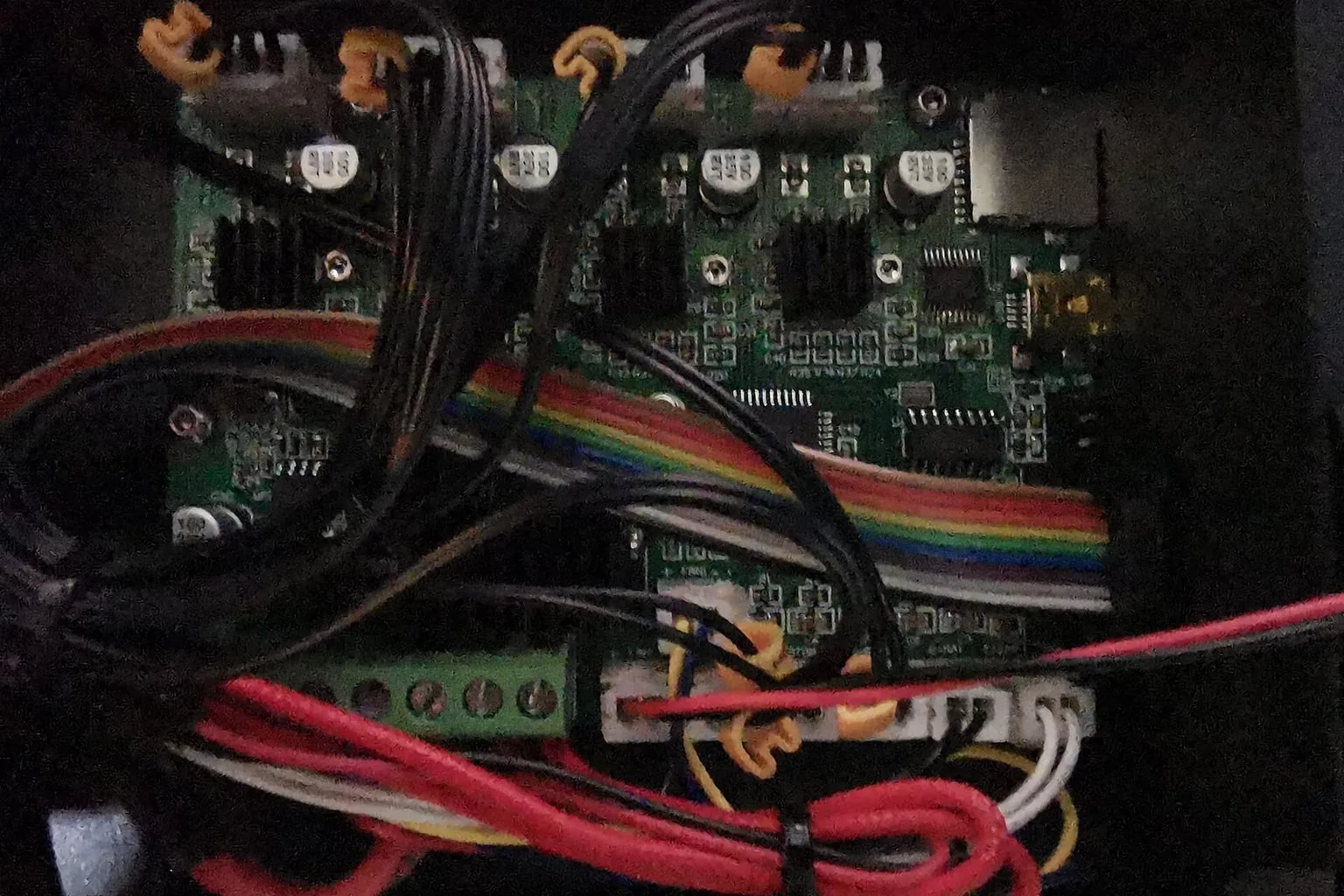

Upgrading a 3D printer does not automatically void its warranty, but it can cost you coverage. Bambu Lab, QIDI Tech and Creality exclude damage caused by third-party parts or unofficial firmware. Prusa Research goes further and lists unsupported upgrades as voiding the warranty. In the US, federal law limits how far a maker can go, but it still lets them exclude damage a third-party part caused.
This page quotes each policy as published on the date at the top. Policies change, so check the current version before you modify anything. It is not legal advice.
Does upgrading a 3D printer void the warranty?
It depends on the maker’s wording, which comes in two kinds. Most policies exclude damage that a third-party part or modification causes, which leaves the rest of the printer covered. Prusa Research’s policy says unsupported upgrades void the warranty, whether or not they caused the fault. Read which kind your maker uses before you buy an upgrade.
| Maker | What the policy excludes | Policy wording |
|---|---|---|
| Bambu Lab | Damage from third-party accessories or unofficial firmware; significantly modified products | “If the product is damaged due to the use of third-party accessories … the damaged parts of the product and the third-party accessories will not be covered by the warranty.” |
| Prusa Research | Unsupported upgrades and add-ons, hardware or software | Voided by “using upgrades (be it hardware or software) or add-ons that are not officially supported.” |
| QIDI Tech | Unauthorized modification; damage from third-party accessories or unofficial firmware | Not covered: “Damage caused by use of third-party accessories, unofficial firmware, or unofficial modification tools.” |
| Creality | Unauthorized modifications; third-party firmware; non-original parts | No warranty service for “unauthorized modifications or additions to the product not guided by official instructions during the warranty period.” |
Two clauses go beyond damage. Bambu Lab refuses repair for a product “modified to significantly alter functionality or capability without the written permission of Bambu Lab.” Creality asks owners to “consult Creality’s official customer service first” if third-party parts are needed.
Kits and assembled printers
Prusa Research treats kits differently from assembled printers. For a kit, “the warranty applies to every part separately”, and it excludes “any damage caused by improper assembly of the product.” Only a fully assembled printer’s warranty “also applies to the assembly.” An open-source kit such as a Voron has no single maker, so coverage is whatever the kit vendor offers on the parts it sold.
Do aftermarket parts void the Bambu Lab warranty?
Not outright. Bambu Lab’s warranty excludes the parts damaged by a third-party accessory, plus the accessory itself, and damage from unofficial firmware. It does not say that fitting any third-party part voids the whole warranty. A product “modified to significantly alter functionality or capability” without Bambu Lab’s written permission is excluded from repair.
Bambu Lab last updated the policy on September 22, 2026. It gives consumers in the EU, Switzerland, Norway, Iceland, the United States and Canada a two-year warranty. It also states that its terms “will not affect any other rights you are entitled to under the applicable laws of your state or jurisdiction.” Using an unauthorized service center without approval invalidates the warranty.
What Bambu Lab says about chamber heating
Bambu Lab sells active chamber heating on the Bambu Lab X1E, and its X1E FAQ says that model reaches 60 °C. The same FAQ says “the X1 and X1C printers do not support the installation of the chamber heating module”, and that “the P1 series printers do not support installing the chamber heating unit”. A third-party chamber heater on those printers is therefore an unsupported addition, and any damage it causes falls under the third-party accessory clause.
Warranty-safe upgrades for the Bambu Lab P1S
The safest P1S upgrades are parts Bambu Lab sells for the P1S itself, such as its own nozzles, hotends and build plates, because the third-party accessory clause does not apply to them. A third-party part is not automatically excluded. If it damages the printer, though, Bambu Lab’s policy leaves both the damaged parts and the accessory uncovered.
Are firmware mods a warranty risk?
Yes, on every policy checked here. Bambu Lab excludes “damages caused by the use of unofficial firmware and/or modifying/updating firmware with unofficial tools or methods”. QIDI Tech excludes damage from “unofficial firmware”, and Creality excludes malfunctions “caused by flashing third-party firmware on the product without authorization”. Prusa Research’s clause covers unsupported upgrades “be it hardware or software”.
Does raising max temp void the warranty?
On a printer with closed firmware, raising the maximum temperature means unofficial firmware, which every policy above excludes. Running a printer above the temperatures its maker states is also outside what the maker supports. If a fault traces to either, expect the claim to be refused under the firmware or modification clauses.
What the Magnuson-Moss Warranty Act says
In the US, the Magnuson-Moss Warranty Act stops a maker from requiring its own branded parts to keep the warranty, unless it supplies them free or holds an FTC waiver. The FTC’s guide says such “tie-in sales provisions aren’t allowed.” The same guide lets a warrantor “disclaim warranty coverage for defects or damage caused by the use of parts or service you didn’t provide.”
So in the US, fitting a third-party part should not cancel coverage by itself. A maker can still refuse to cover damage that part caused. The FTC’s consumer advice puts the burden on the maker in the case of cars: “The manufacturer or dealer must prove the aftermarket or recycled part caused the damage before they can deny warranty coverage.”
The FTC has acted on this. In April 2018 it warned companies about statements that condition coverage on specified parts or services, which “generally are prohibited by the Magnuson-Moss Warranty Act”. Its 2021 report to Congress, Nixing the Fix, says the anti-tying provision “bars manufacturers from using access to warranty coverage as a way of obstructing consumers’ ability to have their consumer products maintained or repaired using third-party replacement parts and independent repair shops.”
Two limits apply. The Act covers “only warranties on consumer products”, meaning goods “normally used for personal, family, or household purposes”. A printer bought for a business may fall outside it. And the Act does not stop a maker excluding damage that a modification actually caused.
The EU legal guarantee
In the EU, the seller owes a legal guarantee alongside any maker’s warranty. Your Europe states: “You always have the right to a minimum 2-year guarantee from the moment you received the goods.” A defect that appears within a year is presumed to have existed at delivery. Directive (EU) 2019/771 notes the presumption does not cover a fault that “can only be a result of an action by the consumer”.
Manufacturer temperature limits explained
A manufacturer temperature limit is the highest nozzle, bed or chamber temperature the maker supports for a printer. It reflects the ratings of the parts inside: motors, wiring, electronics and plastic. Running above it is at your own risk, and a fault traced to it falls outside the maker’s support.
Why do printers have chamber temperature limits?
Makers that heat the chamber stop at 65 °C or below. Bambu Lab’s X1E reaches 60 °C, and the Bambu Lab H2D and QIDI Plus4 list 65 °C. Makers do not publish one reason, but the parts inside point to it: LDO Motors gives an ambient range up to 50 °C for its standard 42STH stepper motors.
Heat inside the printer also affects the filament path. Bambu Lab’s heat creep article says “the most common reason for hotend or extruder clogs when printing with X1 Carbon or P1S is heat buildup inside the enclosure”. It recommends keeping the enclosure “at least 10 degrees lower than the glass transition temperature of the filament”. For the X1E, it says high chamber temperature can make PLA, PETG and TPU “soften and become lodged in the extruder”.
What happens if you exceed printer temperature limits?
Two things change. Motors, wiring, electronics and plastic parts run above the conditions they were chosen for, which can shorten their life or make them fail. Any fault that results is also outside the maker’s support: on every policy above, damage from an unsupported modification or unofficial firmware is excluded.
How to read a printer warranty policy
Find the current policy on the maker’s own site and note its date. Then look for four things: what is excluded, whether exclusions depend on damage being caused, what the firmware clause says, and whether modifications need written permission. Those four answers tell you how much an upgrade puts at risk.
- Find the exclusions. Bambu Lab lists them under additional considerations and repair exclusions. Prusa Research uses “This warranty is voided by”. Creality lists them under its non-warranty period.
- Check whether exclusions need caused damage. “Damage caused by” wording leaves undamaged parts covered. “Voided by” wording, as in Prusa Research’s upgrade clause, does not depend on damage.
- Read the firmware clause. Every policy checked here excludes damage from unofficial firmware.
- Look for a permission route. Bambu Lab mentions written permission for significant modifications. Creality asks you to consult customer service before using third-party parts.
How to check what mods void your printer warranty
Ask the maker in writing before you install, and keep the reply. Describe the part, the printer, and whether the change is reversible. A written answer from support is the only firm guide to how a maker will treat a specific modification.
How to upgrade without losing warranty coverage
Prefer reversible upgrades, and keep every original part and the original firmware. A reversible upgrade can come off and the printer can return to stock if something goes wrong. A permanent change cannot, and it is the kind of change Prusa Research and Bambu Lab name in their exclusions.
| Reversible | Permanent |
|---|---|
| Swapping a build plate or nozzle for another of the same fit | Soldering, cutting or drilling the printer |
| Bolt-on accessories that use existing mounts | Replacing wiring looms or the mainboard |
| Slicer profiles and settings | Unofficial firmware |
Prusa Research’s policy names one permanent change directly: “unauthorized self-repairs that cause component-level modification (e.g., soldering) attempted before contacting support.”
What to document before modifying your printer
Record the printer’s condition before any change, so you can show what the upgrade did and did not affect:
- photos of the parts you will touch, and of the serial number
- the firmware version, and a saved copy of the configuration
- your order details, and the date of the warranty start
- a written reply from support, if you asked one
- the original parts, bagged and labeled
Is voiding the warranty worth it for high-temp printing?
It depends on three numbers: how much warranty time is left, what the parts at risk would cost to replace, and what the official route to the same result costs. If the maker sells a model built for the job, such as the Bambu Lab X1E with its 60 °C heated chamber, that is the covered route. Otherwise, the trade is coverage for capability.
A printer near the end of its warranty has less to lose than a new one. A reversible upgrade risks less than a permanent one, and an upgrade that keeps temperatures within the maker’s stated limits risks less than one that exceeds them.
Sources
- Bambu Lab, Warranty (last updated September 22, 2026) (accessed October 1, 2026)
- Bambu Lab Wiki, X1E FAQ (accessed October 1, 2026)
- Bambu Lab Wiki, X1E chamber setting guide (accessed October 1, 2026)
- Bambu Lab Wiki, What is heat creep? (accessed October 1, 2026)
- Prusa Knowledge Base, Warranty (accessed October 1, 2026)
- QIDI Tech, Warranty statement (last updated June 4, 2026) (accessed October 1, 2026)
- Creality Wiki, After-sales warranty (accessed October 1, 2026)
- Federal Trade Commission, Businessperson's Guide to Federal Warranty Law (accessed October 1, 2026)
- Federal Trade Commission, FTC staff warns companies that it is illegal to condition warranty coverage on the use of specified parts or services (April 10, 2018) (accessed October 1, 2026)
- Federal Trade Commission, Nixing the Fix: An FTC Report to Congress on Repair Restrictions (May 2021) (accessed October 1, 2026)
- Your Europe, Guarantees on goods bought in the EU (accessed October 1, 2026)
- EUR-Lex, Directive (EU) 2019/771 on contracts for the sale of goods (accessed October 1, 2026)
- LDO Motors, LDO-42STH info sheet (accessed October 1, 2026)