How-to
How to add M600 filament change to Klipper
Klipper ignores M600 until you define it. Three macros cover a full filament change: M600 pauses, parks and unloads, LOAD_FILAMENT feeds and purges the new spool, and RESUME carries on printing.
Edited by 3D Printeray EditorsPublished Last verified 5 min read
In this section: Klipper macros(19)
On this page (7)
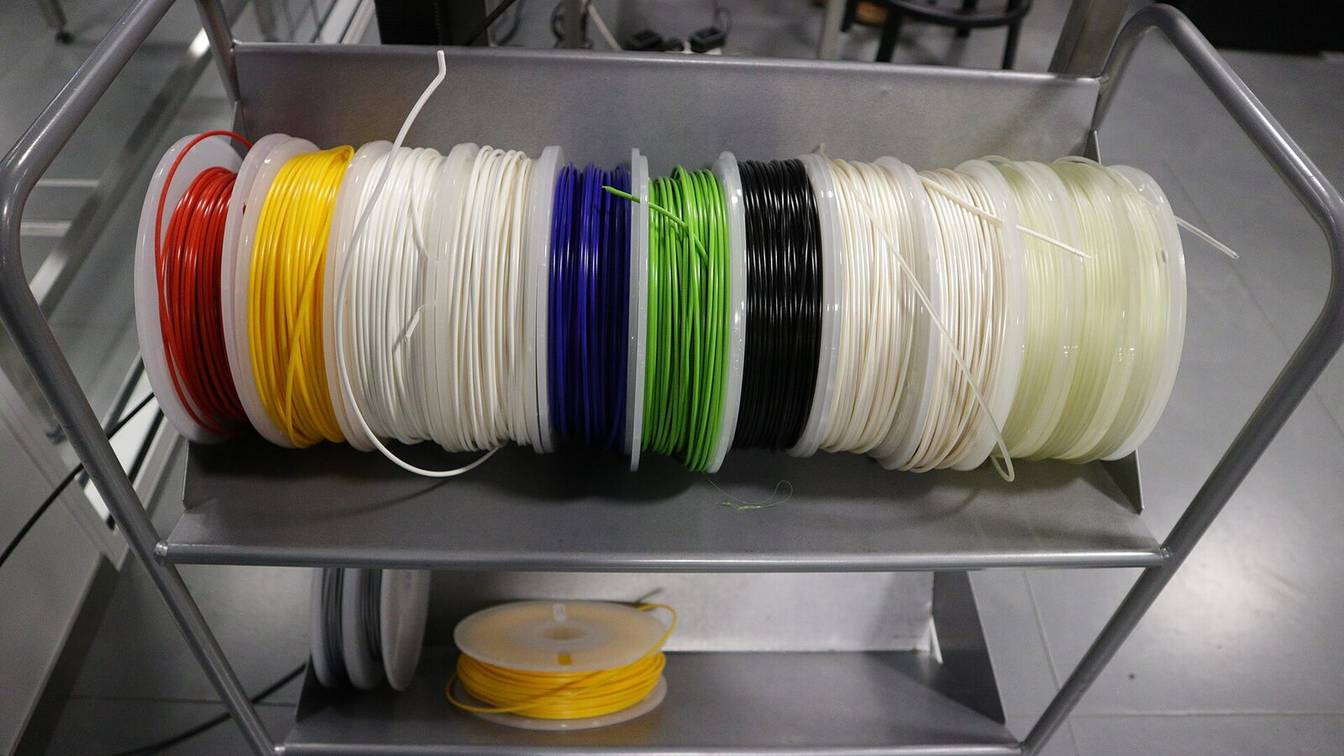

Klipper has no built-in M600. Add a [pause_resume] section and a [gcode_macro M600] that pauses, parks the nozzle and unloads the filament. Then load the new spool with a LOAD_FILAMENT macro and send RESUME. All three macros are below, ready to paste into printer.cfg.
Does Klipper support M600?
Not out of the box. M600 is missing from Klipper’s list of supported G-code commands, so a print that reaches it logs Unknown command:"M600" and the print carries on. Klipper handles M600 once you define it as a [gcode_macro M600] that pauses through [pause_resume]. Klipper’s own sample-macros.cfg includes one.
Klipper’s G-code documentation says a less common command “may be possible to implement … with a custom gcode_macro config section.” The sample in config/sample-macros.cfg pauses, lifts, parks and retracts 50 mm. The version below adds a lift that stays inside your Z travel, a longer idle timeout, and a call to an unload macro.
How to add an M600 filament change macro in Klipper
- Enable pause and resume. Add an empty
[pause_resume]section to printer.cfg, unless Mainsail’s or Fluidd’s client config already includes one. - Add the load and unload macros. Paste
LOAD_FILAMENTandUNLOAD_FILAMENTfrom the section below and set their lengths for your extruder. - Add the M600 macro. Paste the macro below and change the park position to a spot inside your bed.
- Restart Klipper. Save the file and run
FIRMWARE_RESTART, or use the save-and-restart button in your web interface. - Test it. Start a print and send
M600from the console. The nozzle should lift, park and pull the filament out.
[pause_resume]

[gcode_macro M600]
description: Pause, park and unload for a filament change
gcode:
    {% set X = params.X|default(10)|float %}          # park X: placeholder, use a spot inside your bed
    {% set Y = params.Y|default(10)|float %}          # park Y: placeholder
    {% set LIFT = params.Z|default(10)|float %}       # mm to raise above the print
    {% set pos = printer.gcode_move.gcode_position %}
    {% set origin = printer.gcode_move.homing_origin %}
    {% set max = printer.toolhead.axis_maximum %}
    {% set z_park = [pos.z + LIFT, max.z - origin.z]|min %}
    SAVE_GCODE_STATE NAME=M600_state
    PAUSE
    SET_IDLE_TIMEOUT TIMEOUT=3600                     # keep heaters and motors on for an hour
    G91
    G1 E-1 F2700                                      # pull back off the print
    G90
    G1 Z{z_park} F600
    G1 X{X} Y{Y} F6000
    UNLOAD_FILAMENT
    RESTORE_GCODE_STATE NAME=M600_state
Here is what each part does:
PAUSEstops the print and saves the nozzle position.RESUMEreturns to it atrecover_velocity, which Klipper’s configuration reference gives as “Default is 50.0 mm/s.”z_parklifts the nozzle byLIFTbut never pastposition_maxon Z.homing_originaccounts for anySET_GCODE_OFFSET, as in the END_PRINT macro.SAVE_GCODE_STATEandRESTORE_GCODE_STATErestore the slicer’s G90/G91 and M82/M83 modes before the print continues.UNLOAD_FILAMENTreads the hotend target when it runs, not when M600 starts. Klipper’s command templates page says a called macro “is evaluated when it is invoked”. Mid-print, that target is the print temperature.X,YandZcan be overridden per call, for exampleM600 X=200 Y=10 Z=30. Klipper’s parameter names are “always in upper-case” and values are “always passed as strings”, hence the|float.
Shorter M600 with Mainsail or Fluidd client macros
If printer.cfg includes mainsail.cfg or fluidd.cfg, the PAUSE macro from those files already retracts and parks. Both files suggest this alias in their header comments:
[gcode_macro M600]
description: Filament change
gcode:
    PAUSE X=10 Y=10 Z_MIN=50    ; park front left, at least 50 mm above the bed
    UNLOAD_FILAMENT
Z_MIN=50 keeps the park height at least 50 mm above the bed. Their RESUME reheats the hotend if an idle timeout turned it off and pushes the 1 mm retract back before moving. Set variable_idle_timeout in their _CLIENT_VARIABLE macro to lengthen the timeout during a pause. Details are on the PAUSE and RESUME macros page.
Klipper load and unload filament macros
LOAD_FILAMENT and UNLOAD_FILAMENT heat the hotend if it is cold, then move the filament in or out in one command. Use these exact names, because Mainsail and KlipperScreen look for them to show their load and unload buttons.
[gcode_macro UNLOAD_FILAMENT]
description: Heat if needed, then pull the filament out
gcode:
    {% set target = printer.extruder.target %}
    {% set TEMP = params.TEMP|default(target if target >= 170 else 220)|float %}
    {% set LENGTH = params.LENGTH|default(50)|float %}   # placeholder: enough to clear the extruder gears
    {% set SPEED = params.SPEED|default(1500)|float %}   # mm/min
    M109 S{TEMP}
    SAVE_GCODE_STATE NAME=unload_state
    M83
    G1 E5 F300                                           # push first to soften the tip
    G1 E-{LENGTH} F{SPEED}
    RESTORE_GCODE_STATE NAME=unload_state

[gcode_macro LOAD_FILAMENT]
description: Heat if needed, then feed and purge
gcode:
    {% set target = printer.extruder.target %}
    {% set TEMP = params.TEMP|default(target if target >= 170 else 220)|float %}
    {% set LENGTH = params.LENGTH|default(40)|float %}   # placeholder: extruder gears to nozzle
    {% set PURGE = params.PURGE|default(25)|float %}     # mm pushed slowly through the nozzle
    {% set SPEED = params.SPEED|default(300)|float %}    # mm/min
    M109 S{TEMP}
    SAVE_GCODE_STATE NAME=load_state
    M83
    G1 E{LENGTH} F{SPEED}
    G1 E{PURGE} F150
    RESTORE_GCODE_STATE NAME=load_state
Notes on the values:
- Temperature. Pass
TEMP=to choose it. Without it, the macros keep a current target of 170 C or more and otherwise heat to 220 C (a placeholder: set it for the filament you load most). Keeping the target matters mid-print, because a new one would carry into the rest of the print. The 170 matchesmin_extrude_temp, where Klipper says “The default is 170 Celsius.” Below it, an extruder move fails withExtrude below minimum temp. SPEEDis in mm/min. KlipperScreen sends that unit: its buttons runLOAD_FILAMENT SPEED=with the selected mm/s speed multiplied by 60.- Bowden printers need a
LENGTHlonger than the tube. Klipper rejects any extrude-only move longer thanmax_extrude_only_distance, and its reference says “The default is 50mm.” The error readsExtrude only move too long. Raisemax_extrude_only_distancein[extruder]to a little more than your tube length. - Heater left on. Run alone, either macro leaves the hotend hot. Send
M104 S0when you are done, or let the idle timeout turn it off.
How to change filament when M600 pauses the print
- Wait for the unload. The nozzle parks and
UNLOAD_FILAMENTpulls the filament back past the gears. - Swap the spool. Pull the old filament out, then push the new one in until it reaches the extruder gears.
- Load and purge. Run
LOAD_FILAMENT. If the old color still shows, purge again withLOAD_FILAMENT LENGTH=0 PURGE=20. - Clean the nozzle. Pull the purged string off the nozzle tip so it is not dragged into the print.
- Resume. Send
RESUMEfrom the console or press Resume in your interface.
Do not leave the printer paused past the idle timeout. Klipper’s idle timer keeps running during a pause. When it expires (Klipper: “The default is 600 seconds”) it runs TURN_OFF_HEATERS and M84. Turning the motors off also clears Klipper’s homed state, so RESUME stops with Must home axis first.
The SET_IDLE_TIMEOUT TIMEOUT=3600 line in M600 gives you an hour. The new value stays until Klipper restarts or something changes it, so add SET_IDLE_TIMEOUT TIMEOUT=600 to your end-of-print macro.
Fixing “Macro LOAD_FILAMENT not found”
The message means no macro with that name is loaded. Klipper itself has no LOAD_FILAMENT or UNLOAD_FILAMENT command. Each interface reports the missing macro in its own way:
| Where | What you see | What it looks for |
|---|---|---|
| KlipperScreen, Extrude panel | Macro LOAD_FILAMENT not found or Macro UNLOAD_FILAMENT not found |
A gcode_macro whose name contains LOAD_FILAMENT or UNLOAD_FILAMENT |
| Mainsail, extruder panel menu | No Load or Unload entry | A macro named LOAD_FILAMENT or FILAMENT_LOAD, and UNLOAD_FILAMENT or FILAMENT_UNLOAD |
| Klipper console | Unknown command:"LOAD_FILAMENT" |
A [gcode_macro LOAD_FILAMENT] section |
To fix it:
- Add the macros. Paste the two macros above into printer.cfg, or into a file that printer.cfg pulls in with
[include macros.cfg]. A file that nothing includes is never loaded. - Restart. Klipper reads macros only at startup, so run
FIRMWARE_RESTARTafter saving.
Mainsail greys out its load and unload entries while the hotend is below min_extrude_temp. It makes an exception when the macro text contains M109, TEMPERATURE_WAIT or printer.extruder.can_extrude, since that macro heats for itself. The macros above contain M109, so they stay clickable on a cold printer.
Making the slicer or a runout sensor send M600
PrusaSlicer’s color change writes M600 into the G-code. Prusa’s knowledge base says the printer pauses “as soon as it reads the color change in the G-code (M600 command)”. Cura’s Filament Change post-processing script also writes M600. See manual color changes for the slicer side.
For a filament runout sensor, set runout_gcode: M600 and pause_on_runout: False in its [filament_switch_sensor] section, so the pause happens once, inside M600. With the default True, Klipper runs its own PAUSE first and M600 runs “after the PAUSE is complete.”
Sources
- Klipper documentation, G-Codes (accessed October 10, 2026)
- Klipper documentation, Configuration reference (accessed October 10, 2026)
- Klipper documentation, Command templates (accessed October 10, 2026)
- Klipper documentation, Status reference (accessed October 10, 2026)
- Klipper, config/sample-macros.cfg (accessed October 10, 2026)
- Klipper source, klippy/gcode.py (accessed October 10, 2026)
- Klipper source, klippy/extras/pause_resume.py (accessed October 10, 2026)
- Klipper source, klippy/extras/idle_timeout.py (accessed October 10, 2026)
- Klipper source, klippy/extras/stepper_enable.py (accessed October 10, 2026)
- Klipper source, klippy/kinematics/extruder.py (accessed October 10, 2026)
- Mainsail, mainsail-config client.cfg (accessed October 10, 2026)
- Fluidd, fluidd-config client.cfg (accessed October 10, 2026)
- Mainsail source, ExtruderControlPanel.vue (accessed October 10, 2026)
- KlipperScreen source, panels/extrude.py (accessed October 10, 2026)
- Prusa Knowledge Base, Insert pause or custom G-code at layer (accessed October 10, 2026)
- Cura source, FilamentChange.py post-processing script (accessed October 10, 2026)