How-to
How to write a Klipper PRINT_START macro
A start macro moves your printer's warm-up routine out of the slicer and into printer.cfg, where you can change it without re-slicing. Below is a complete macro, what each line does, and what to check when Klipper says the command is unknown.
Edited by 3D Printeray EditorsPublished Last verified 5 min read
In this section: Klipper macros(19)
On this page (9)
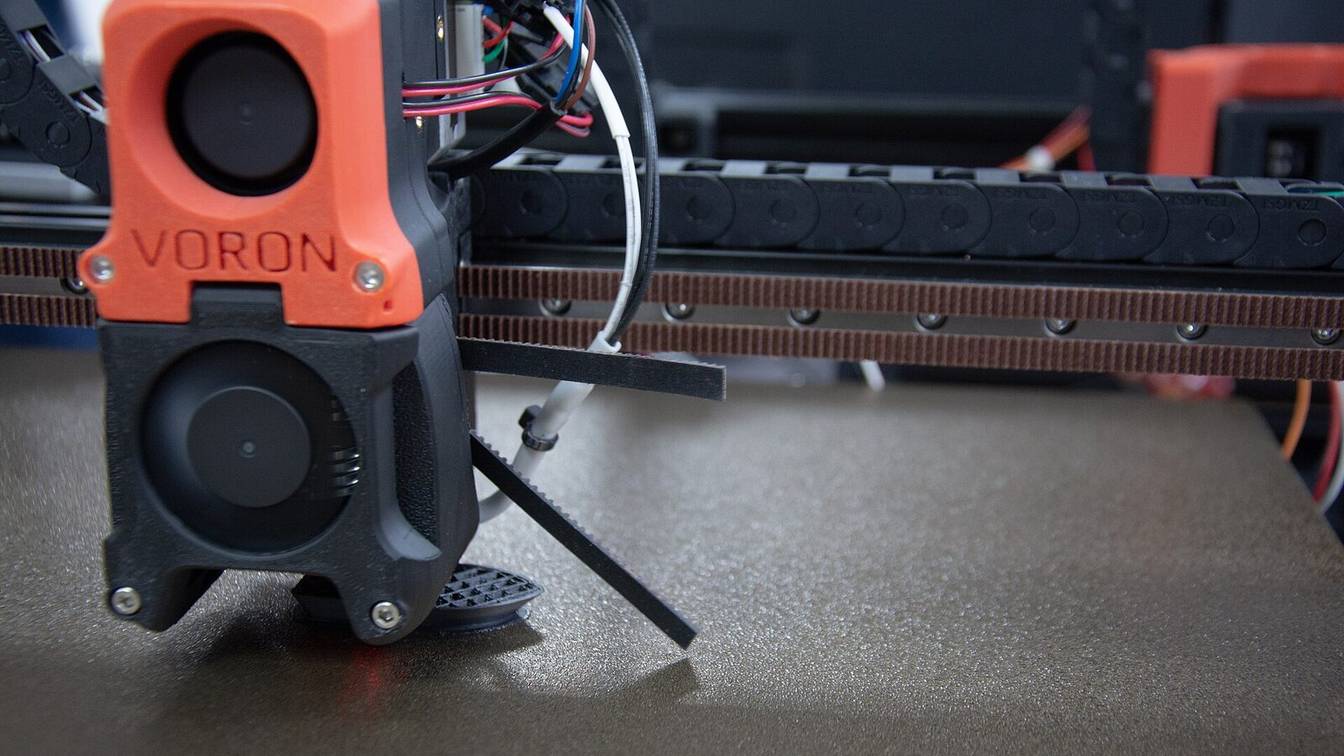

Write a [gcode_macro PRINT_START] section in printer.cfg that reads the bed and nozzle temperatures as parameters, then heats the bed, homes, meshes, heats the nozzle and purges. Replace your slicer’s start G-code with one line that calls it, such as PRINT_START BED_TEMP=60 EXTRUDER_TEMP=210, and restart Klipper.
What should a Klipper PRINT_START macro do?
A PRINT_START macro should take the bed and nozzle temperatures from the slicer, heat the bed, home all axes, probe or load a bed mesh, heat the nozzle, and lay a purge line. Each wait must finish before the next step, so the first layer starts at temperature on a measured surface.
The order matters most for the bed. Home and probe after the bed reaches temperature, so the Z reference and the mesh match the hot bed you print on.
How to write a Klipper PRINT_START macro
- Add the section. Open
printer.cfg(or a file it includes) and add[gcode_macro PRINT_START]with agcode:option. - Read the temperatures. Set
BED_TEMPandEXTRUDER_TEMPfromparams, with a default for each and a conversion to a number. - Heat the bed and wait. Use
M190 S{BED_TEMP}. - Home. Run
G28once the bed is hot. - Mesh. Run
BED_MESH_CALIBRATE ADAPTIVE=1if you have a probe, orBED_MESH_PROFILE LOAD=defaultif you saved a mesh. - Heat the nozzle and wait. Use
M109 S{EXTRUDER_TEMP}. - Purge. Draw a short line off the print area to prime the nozzle.
- Call it from the slicer. Replace the slicer’s start G-code with
PRINT_START BED_TEMP=… EXTRUDER_TEMP=…, using the slicer’s own temperature placeholders. - Reload and test. Send
RESTART, then runHELPin the console and check thatPRINT_STARTis listed.
Klipper start print macro example
This macro does every step above. Copy it, then change the purge coordinates to a clear strip at the front of your bed.
[gcode_macro PRINT_START]
description: Heat, home, mesh and purge before a print
gcode:
    {% set BED_TEMP = params.BED_TEMP|default(60)|float %}
    {% set EXTRUDER_TEMP = params.EXTRUDER_TEMP|default(200)|float %}
    G90                                   ; absolute coordinates
    M190 S{BED_TEMP}                      ; heat the bed and wait
    G28                                   ; home all axes on the hot bed
    BED_MESH_CALIBRATE ADAPTIVE=1         ; probe only where the objects sit
    G1 Z5 F3000                           ; lift clear of the bed
    M109 S{EXTRUDER_TEMP}                 ; heat the nozzle and wait
    SAVE_GCODE_STATE NAME=purge
    M83                                   ; relative extrusion for the purge
    G1 X10 Y10 F6000                      ; purge start: placeholder, set for your bed
    G1 Z0.3 F600
    G1 X110 E15 F1200                     ; 100 mm line, 15 mm of filament
    G1 Z2 F600                            ; lift off the line
    RESTORE_GCODE_STATE NAME=purge
No probe? Delete the BED_MESH_CALIBRATE line. Without a probe, Klipper’s bed mesh falls back to manual probing (the paper test), which has no place in an unattended start macro. If you saved a mesh, load it with BED_MESH_PROFILE LOAD=default instead.
For a printer that soaks a heated chamber before homing, the chamber heater guide adds an M191 wait to the same structure. For a more careful purge than a straight line, see the purge line macro.
Klipper PRINT_START macro explained, line by line
{% set BED_TEMP = params.BED_TEMP|default(60)|float %}reads theBED_TEMP=value the slicer passes. Klipper’s command templates page says parameter names “are always in upper-case when evaluated in the macro and are always passed as strings”, sofloatturns the value into a number.default(60)covers a missing parameter, as when you run the macro by hand. See macro parameters for more.G90sets absolute coordinates. Klipper’s docs recommend that a macro “always explicitly set the G-Code parsing state prior to issuing aG1command.”M190andM109heat and wait. Klipper’s G-code list says each one “always waits for temperature to settle at requested value.”G28homes every axis. It has to come beforeBED_MESH_CALIBRATEand before anyG1move.SAVE_GCODE_STATEandRESTORE_GCODE_STATEwrap the purge. The purge switches to relative extrusion withM83, and the restore puts back whatever extrusion mode was active before. WithoutMOVE=1, the restore does not move the toolhead.
Klipper evaluates a macro “in entirety and only then” runs the commands it produced. A template that reads printer.extruder.temperature sees the value from before the macro started, even if it sits below the M109 line. To act on a temperature reached mid-macro, call a second macro, which is evaluated when it runs.
Passing temperatures to the start print macro
The macro gets its temperatures from the line that calls it. PRINT_START BED_TEMP=60 EXTRUDER_TEMP=210 hands the macro params.BED_TEMP and params.EXTRUDER_TEMP, as the strings "60" and "210". In the slicer, swap the numbers for its first-layer temperature placeholders. Klipper’s slicer guide gives the exact line for Cura and for PrusaSlicer. The names after the macro must match the params. names in it, letter for letter.
If the printer heats twice, the slicer added its own M190 and M109 above your start G-code because it saw no temperature commands. The same guide shows how to stop that in each slicer.
Adding a bed mesh to PRINT_START
Put BED_MESH_CALIBRATE after G28 and after the bed is at temperature. The mesh is active as soon as the command finishes. Do not also load a saved profile in the same routine. Klipper’s bed mesh guide warns that doing both “may produce unexpected results, especially with adaptive meshing.”
ADAPTIVE=1 probes only the area that the objects in the current file cover, plus adaptive_margin from [bed_mesh] (default 0 mm), with proportionally fewer points. Klipper names the result adaptive-… and says it “should not be saved for reuse.”
An adaptive mesh needs two things:
- An
[exclude_object]section. Add it toprinter.cfg; it takes no options. - Object definitions in the G-code. Turn on object labelling in your slicer, or set
enable_object_processing: Trueunder[file_manager]inmoonraker.confso Moonraker converts object labels on upload. TheEXCLUDE_OBJECT_DEFINElines must sit above thePRINT_STARTline, because the mesh reads only the objects defined before it runs.
If either is missing, Klipper meshes the whole bed. Without [exclude_object] the console says Exclude objects not enabled. Using full mesh..., and with no object definitions it falls back silently. Setup details are on the adaptive bed mesh page.
Is it PRINT_START or START_PRINT in Klipper?
Either name works, because neither is built into Klipper. The command exists only because a [gcode_macro] section defines it, so the slicer must call exactly the name you defined. Klipper’s own documentation and sample macros use START_PRINT. Voron’s stock configs use PRINT_START. Upper or lower case makes no difference.
Klipper’s command templates page says “case is not important for the G-Code macro name”, so print_start in the slicer calls [gcode_macro PRINT_START]. Underscores and word order do matter. One naming rule catches people out: any numbers in a macro name “must all be at the end of the name”, so PRINT_START2 is valid and PRINT2_START is not.
Fixing “Unknown command” for PRINT_START
The console line Unknown command:"PRINT_START" means Klipper has no command by that name loaded. Check these in order:
- Name mismatch. The slicer sends
PRINT_STARTbut the config definesSTART_PRINT, or the reverse. Make the two match. - Macro not loaded. The macro sits in a separate file, such as
macros.cfg, thatprinter.cfgnever pulls in. Add[include macros.cfg]toprinter.cfg. - Config not reloaded. Klipper reads its config only when it starts. After editing, send
RESTART, which makes Klipper reload its config.
Then run HELP in the console. It lists every extended command Klipper has loaded, macros included, so PRINT_START should appear.
Do not ignore this message during a print. Klipper reports an unknown command and keeps reading the file, so the print carries on unheated and unhomed. It usually stops a few lines later, with Must home axis first on the first move, or Extrude below minimum temp once the extruder moves while still below min_extrude_temp (170 °C by default).
Sources
- Klipper documentation, Command templates (accessed October 10, 2026)
- Klipper documentation, Slicers (accessed October 10, 2026)
- Klipper documentation, G-Codes (accessed October 10, 2026)
- Klipper documentation, Bed mesh (accessed October 10, 2026)
- Klipper documentation, Exclude objects (accessed October 10, 2026)
- Klipper documentation, Configuration reference (accessed October 10, 2026)
- Klipper source, config/sample-macros.cfg (accessed October 10, 2026)
- Klipper source, klippy/gcode.py (accessed October 10, 2026)
- Klipper source, klippy/extras/bed_mesh.py (accessed October 10, 2026)
- Klipper source, klippy/extras/virtual_sdcard.py (accessed October 10, 2026)
- Moonraker documentation, Configuration (accessed October 10, 2026)
- Voron Design, Voron 2.4 Octopus Klipper configuration (accessed October 10, 2026)