Guide
How the Bambu Lab H2D dual nozzle works
The H2D prints with one of two nozzles at a time and swaps between them by raising or lowering the left one. This page covers the mechanism, how filament reaches each nozzle, how Bambu Studio splits a print between them, and what differs on the H2D Pro.
Edited by 3D Printeray EditorsPublished Last verified 6 min read
In this section: Dual nozzle(16)
On this page (9)
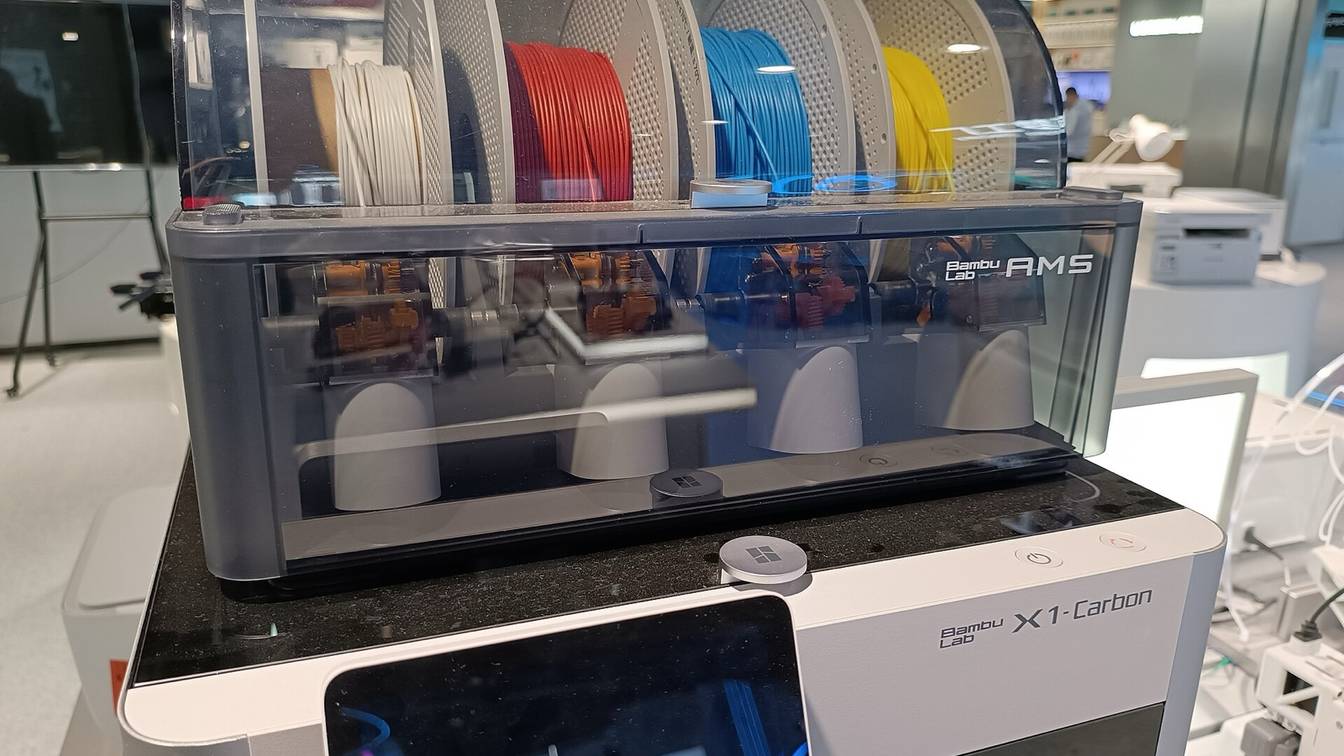

Yes, the Bambu Lab H2D has two nozzles, side by side on one toolhead. It switches between them by moving only the left one up or down. Each nozzle has its own filament path, so a print with two filaments changes nozzles instead of flushing. A third filament on the same nozzle still needs a flush.
How does the H2D dual nozzle work?
The H2D carries two identical 350 °C hotends on one toolhead. A lifting motor lowers the left hotend to print with it, or raises it so the right nozzle prints, while a flow blocker caps the idle nozzle. One extruder motor feeds either side, and Bambu Studio assigns each filament to the left or right nozzle.
Bambu Lab’s H2D introduction describes the moving parts:
- Left hotend lift. The left hotend sits on a lifting rail and slider. When the lifting motor turns, the linkage moves the left hotend up or down. Lowered, the left nozzle sits below the right one and prints. Raised, the right nozzle is the lowest point and prints.
- Flow blocker. The same linkage swings a flow blocker under the nozzles. When the left hotend comes down, the blocker moves across and covers the right nozzle. When the left hotend goes up, the blocker covers the left nozzle. Its job is to stop the idle nozzle leaking.
- Extruder. The extruder has one extrusion motor and one drive wheel, plus a switching motor that turns a cam. The cam presses either the left or the right idler wheel against the drive wheel. The extrusion motor then turns one way or the other to push filament down whichever side is active.
- Cutters. Each side has its own filament cutter between the extruder and the hotend, so the printer can cut and change filament on either nozzle when an AMS is connected.
Both hotends are the same part and can be swapped left for right, according to Bambu Lab’s FAQ. The stock nozzle is hardened steel, 0.4 mm, and the store lists 0.2, 0.4, 0.6 and 0.8 mm as supported. Bambu Lab’s FAQ says the two nozzles cannot currently be different sizes in one print. Running two nozzle sizes on the H2D covers where that stands.
Which AMS feeds the left nozzle and which feeds the right?
The one you pair with it. Each AMS (Bambu Lab’s Automatic Material System spool changer) or external spool feeds one nozzle. You set that pairing, then sync the AMS information to Bambu Studio so the slicer knows what each nozzle holds. The H2D’s built-in filament buffer has two inlets. One AMS plus an external spool, or two AMS units, connect without an adapter. Two AMS units plus an external spool, or three or more AMS units, need a 4-in-1 PTFE adapter.
The H2D accepts up to 4 AMS 2 Pro and 8 AMS HT units, 24 slots in all. Bambu Lab counts the maximum at 25 filaments: every AMS on one nozzle and an external spool on the other. The first-generation AMS works but cannot dry on the H2D. The H2D does not support the AMS lite.
A filament can only print from the nozzle its AMS is connected to. Once a sliced filament is grouped to a nozzle, you cannot swap in a spool from the other nozzle’s AMS when sending the job, even a closer color. Move the spool into an AMS on the correct nozzle instead. Bambu Lab’s Filament Track Switch, which lists the H2D as compatible, routes any AMS slot to either nozzle. The Filament Track Switch page explains how it changes the grouping.
How does Bambu Studio decide which nozzle prints which filament?
Bambu Studio groups filaments to nozzles when it slices, in one of three modes picked from the menu on the Slice button:
| Mode | How it groups | When it fits |
|---|---|---|
| Filament-Saving (default) | Splits the filaments that would need the most flushing onto different nozzles | You can move spools to match the grouping before printing |
| Convenience | Matches the spools already loaded in each nozzle’s AMS | You start the job remotely and cannot move spools |
| Custom | You assign each filament to left or right by hand | You need a specific split, such as support material on one nozzle |
Some filaments are tied to one nozzle whatever the mode. Bambu Lab’s grouping wiki lists these rules for the H2D:
| Rule | Priority |
|---|---|
| TPU (flexible thermoplastic polyurethane) prints from either nozzle, but TPU on the left nozzle locks out the right nozzle, because the left nozzle’s lifting twists the TPU. TPU on the right nozzle can run alongside a rigid filament on the left. | High |
| PPA-CF and PPS-CF (carbon-fiber-filled polyphthalamide and polyphenylene sulfide) print only from the left nozzle | High |
| A part taller than 320 mm goes in the right nozzle’s printable area | Medium |
| A part in the left-only or right-only strip of the bed goes to that nozzle | Medium |
| A filament either nozzle can print is placed on the right nozzle | Low |
After slicing, check the Filament Grouping panel against the spools in each AMS. If they do not match, rearrange the spools or regroup the filaments. Assigning filament to the left or right nozzle walks through each mode in the slicer.
Does the H2D purge when it switches nozzles?
Not when it only switches nozzles. A switch changes which nozzle prints, so the old filament is never pushed out. Flushing happens only when one nozzle changes from one filament to another, the same as on a single-nozzle printer with an AMS. This is why Filament-Saving mode puts the filaments with the largest flush volumes on separate nozzles.
A switch can still leave a little filament on the nozzle tip. Bambu Lab’s FAQ recommends a prime tower on dual-nozzle prints, because priming wipes off that residue and steadies the pressure in the nozzle before it prints on the model again. The purge wiper collects the waste from flushing and loading. How much filament dual-nozzle printing wastes gives the figures, and stopping dual-nozzle ooze covers stringing from the idle nozzle.
Does the idle nozzle stay hot?
Not the whole time. When a print switches nozzles, the printer estimates how long the idle nozzle will wait before its next turn. It cools that nozzle down and reheats it in time to print. If the gap is under 30 seconds, it skips the cooldown. Bambu Lab says this keeps the idle nozzle from oozing and wasting power, without making the print wait for a heat-up. Meanwhile the flow blocker keeps it covered.
How are the two nozzles lined up?
By nozzle offset calibration, which measures where the left nozzle sits relative to the right. The H2D has two versions:
- Standard calibration uses an eddy-current coil built into the heatbed and measures the offset in X, Y and Z.
- High-precision calibration prints a pattern and reads it with the toolhead camera. It refines X and Y only and reuses the Z offset from the standard calibration.
Calibrating dual-nozzle offset covers when to run each one and how.
How big can a dual-nozzle print be on the H2D?
The two nozzles cannot reach the full bed width. The left nozzle cannot reach the rightmost 25 mm of the bed, and the right nozzle cannot reach the leftmost 25 mm. Bambu Studio marks both strips on the plate. The left nozzle prints up to 320 mm tall, the right nozzle up to 325 mm. A part that uses both nozzles has to fit the strip they share. The H2D’s print volume with two nozzles has the full numbers and the slicer errors you get when a part crosses a limit.
Does the H2D Pro have the same dual nozzle?
Yes. The H2D Pro uses the same two-hotend mechanism, with identical left and right hotends. It changes two parts of the toolhead:
| Part | H2D | H2D Pro |
|---|---|---|
| Nozzle material | Hardened steel (hardness HRA 74) | Tungsten carbide (HRA 90); Bambu Lab quotes 50% longer life on abrasive fiber-filled filaments |
| Toolhead cooling fan | Standard | Enhanced fan, for reliability at high temperature |
| Max nozzle temperature | 350 °C | 350 °C |
| Max chamber temperature | 65 °C | 65 °C |
The parts cross over. An H2D hotend fits the H2D Pro, and Bambu Lab says the H2D takes the Pro’s tungsten carbide nozzle and cooling fan. The Pro’s other differences, such as Ethernet, enterprise Wi-Fi and a standard vision encoder, do not touch the nozzles. The H2D vs X2D comparison covers Bambu Lab’s newer dual-nozzle machine.
Sources
- Bambu Lab Wiki, Introduction to H2D (accessed October 12, 2026)
- Bambu Lab Wiki, Replace the nozzle lifting rail (accessed October 12, 2026)
- Bambu Lab Wiki, H2D FAQ (accessed October 12, 2026)
- Bambu Lab Wiki, H2D Pro FAQ (accessed October 12, 2026)
- Bambu Lab Wiki, Introduction to filament grouping strategy for dual nozzle printers (accessed October 12, 2026)
- Bambu Lab Wiki, Introduction to the printable range of H2D dual nozzles (accessed October 12, 2026)
- Bambu Lab Wiki, Multi-AMS connection compatibility guide (accessed October 12, 2026)
- Bambu Lab store, H2D (accessed October 12, 2026)
- Bambu Lab store, H2D Pro (accessed October 12, 2026)
- Bambu Lab store, Filament Track Switch (accessed October 12, 2026)