3D printer warranties by brand: length, coverage and claims
Anycubic warranty: how long it lasts, what it covers and how to claim
An Anycubic 3D printer has a one-year warranty from the day it is delivered, with 3 or 6 months on wear parts and none on nozzles. This page sets out the US store's policy for filament printers and the ACE Pro, what it excludes, and how to file a claim.
Published · Last verified
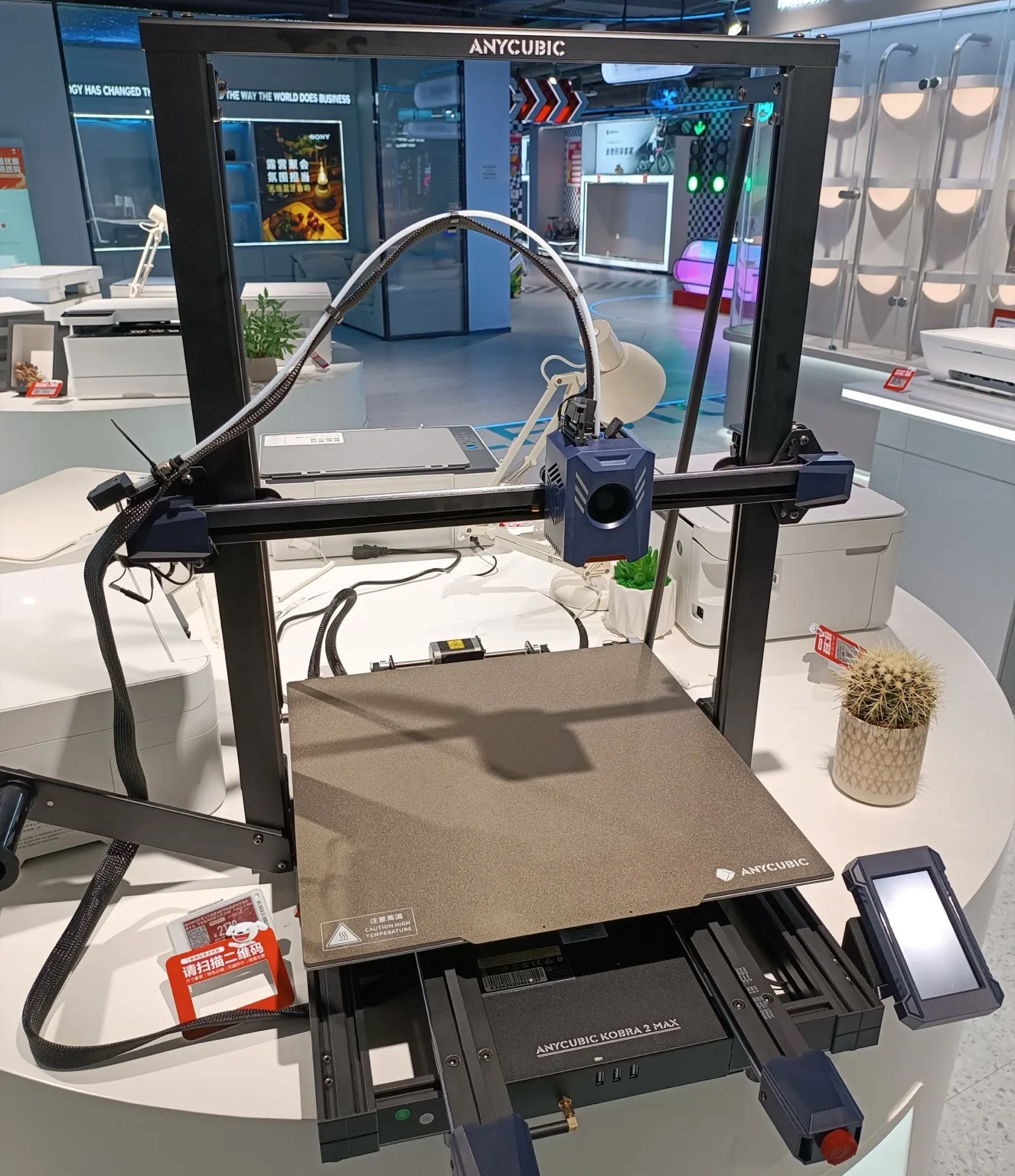

An Anycubic 3D printer has a one-year warranty, counted from the day it is delivered. Wear parts get less: the print head, extruder assembly and magnetic platform are covered for 3 months, the heated bed for 6 months, and nozzles not at all.
These terms come from the after-sales policy on Anycubic’s US store, read on October 23, 2026. The policy is undated and Anycubic “reserves the right to update or modify this policy at any time”, so check the current version before you file a claim. This is a summary of the policy, not legal advice.
How long is the Anycubic warranty?
The Anycubic warranty lasts one year for a complete 3D printer and starts on the day it is delivered. Parts that wear have shorter periods: 3 months for the print head (hotend included), extruder assembly, magnetic platform, cutter and extruder gear, and 6 months for the heated bed and glass plate. Nozzles are consumables with no warranty.
The policy sets these periods for filament printers (FDM, short for fused deposition modeling) and the parts that came with them:
| Part | Warranty period |
|---|---|
| Complete machine | 1 year |
| Print head (including hotend), extruder assembly, magnetic platform, cutter, extruder gear | 3 months |
| Heated bed, glass plate | 6 months |
| Other main components (except tools) | 12 months |
Resin printers have their own rows, with 3 or 6 months on the LCD screen depending on the model.
Spare parts bought on their own follow a separate list, which the policy says “is not related to the warranty period of the whole machine’s accessories.” Almost every listed spare is covered for 3 months, including the print head module, extruder assembly, heated bed or magnetic platform, motherboard, cooling fan, belt, motor, camera, control screen and power supply. Nozzles and PTFE tubing are consumables with no warranty. For a heated bed or magnetic platform, “scratches, damage from drops or bumps are not covered.”
A replacement part does not restart the clock. Its warranty “will be the same as the remaining warranty period of the original item”, and the printer’s cover is suspended while you wait for the part.
Outside the US, Anycubic says that where “the consumer protection laws or regulations in your country differ from the warranty period specified by us”, it follows the local rules.
Does the Kobra S1 or Kobra 3 Combo have its own warranty?
No. The policy sets FDM periods by part, not by model. The Kobra S1, Kobra S1 Combo and Kobra 3 Combo get the standard terms above. Their store pages carry the same “1-Year Warranty For 3D Printers” line as the other printers.
An older Anycubic page gives different figures. Its 2025 anniversary promotion listed the extruder assembly and belts of the Kobra S1 and Kobra 3 V2 at a standard 6 months, where the current table gives the extruder assembly 3 months. If your extruder fails between month 3 and month 6, ask support which figure applies.
Does the ACE Pro have its own warranty?
Not in the current policy, which names the ACE Pro multicolor filament unit in neither table. The ACE Pro store page shows the same “1-Year Warranty For 3D Printers” line as the printers. Anycubic’s 2025 anniversary promotion page listed the ACE Pro’s buffer mechanism, filament detection board, signal cables and motors or belts at a standard 6 months. Because the policy is silent, ask support to confirm your unit’s period in writing.
Does the Anycubic warranty cover Amazon purchases?
Yes, if you bought from Anycubic or an authorized seller. The repair policy “applies to products purchased through Anycubic or an Anycubic authorized dealer”, and Anycubic’s FAQ lists “Authorized marketplaces such as Amazon and other verified partners” among its sales channels. Warranty repairs go through Anycubic either way: support asks for “the SN code (located on the machine) and your order ID.”
Returns work differently. Anycubic’s return policy “only applies to products you purchase from the Anycubic official website”; for anything bought elsewhere, “please contact them directly.” Bought direct, you get three return windows:
- 14 days to return the printer for any reason, at your cost for shipping
- 7 days if it does not match its description
- 30 days for a quality problem “not caused by human factors”, refunded or exchanged after inspection
What does the Anycubic warranty not cover?
The policy’s non-warranty list excludes:
- free, refurbished and second-hand products
- claims without valid proof of purchase, order number, receipt or invoice
- faults from “unauthorized use or modification”, including moisture, foreign bodies such as water, oil or sand, and improper installation or operation
- tampered product labels or serial numbers
- fire, earthquake, flood and other force majeure events
- damage from unauthorized repair
- “Normal discoloration, wear, and tear”
- cross-regional use: a printer bought for one region that cannot use Anycubic’s cloud features in another is “not a quality issue”
The warranty does not pass to a second owner: the one-year term is stated as “excluding gifted machines and second-hand machines.” Anycubic contradicts itself on refurbished printers. The policy excludes them, but its refurbished store states “Warranty Period: 1 Year”, so save a copy of that page with your order.
On upgrades, the policy requires that the printer “has not been artificially damaged or modified or modified without permission” and warns that “unauthorized repairs and modifications may invalidate the product warranty”. See how upgrades and third-party parts affect a warranty.
How do you claim the Anycubic warranty?
To claim the Anycubic warranty, open a Technical Support ticket on Anycubic’s Support Center while logged in to your account. Give the order number, proof of purchase, the printer’s serial number (SN) and photos or video of the fault. Anycubic diagnoses the problem online and ships free replacement parts if the fault is covered.
- Troubleshoot first. Look the fault up in the Anycubic Wiki or the printer’s manual. The policy says this “may save you time”.
- Gather the evidence. Have the order number, the receipt or invoice, the SN from the machine and photos or a video that show the fault. Anycubic may also ask for “payment receipts and confirmation of original shipping address.”
- Open a ticket. Go to the Support Center request form, sign in or create an account, and choose Technical Support. Anycubic says it will diagnose your issue “within one business day”, and you can track the ticket online.
- Work through the diagnosis. If the fault “cannot be resolved through online troubleshooting or software updates and falls within the warranty coverage”, Anycubic “will arrange a free replacement of the necessary parts.” Expect to fit the part yourself. Anycubic’s anniversary warranty page describes shipping parts with “guidance for installation” and says “there is usually no need to send the entire machine back.”
- Return the printer only when told to. The policy says: “Please do not return the product without our confirmation.” Use the original box and packing, because damage from other packaging is your responsibility. If the engineer finds the printer unusable, Anycubic “will provide a product reissue or refund.”
Who pays shipping on an Anycubic warranty claim?
Replacement parts for a covered fault cost you nothing. The policy puts shipping on you in these cases:
- a printer you return for your own reasons
- a printer claimed as defective that turns out to work
- an item damaged on the way back
- “any returns made outside of the approved warranty process”
- the extra freight when a return or replacement goes to an address other than the one on the original order
Local customs duties are not refunded. Anycubic does not accept “self-pick-up or freight-to-pay shipping”, so agree the shipping method with support before you send anything.
What if Anycubic refuses the claim?
Ask support to name the exclusion behind the refusal. If it points to an upgrade or a third-party part, see what US law says about modifications and warranties. After the warranty runs out, Anycubic still offers “lifetime free after-sales technical support”, which means help with the diagnosis. Free replacement parts depend on warranty coverage.
Do you need to register an Anycubic printer for the warranty?
No. The policy has no registration step, and the warranty starts on the delivery date. Service has four conditions: proof of purchase and the order number, an unmodified printer used as the manual describes, compatible accessories, and the SN or visible evidence of the defect. You do need an Anycubic account, because the request form requires a login.
Does Anycubic offer an extended warranty?
Not on any of the five models checked in October 2026: the Kobra S1 Combo, Kobra S1 Max Combo, Kobra 3 V2 Combo, Kobra X and ACE Pro. Anycubic’s protection plan page mentions an extended warranty for “Mechanical/electrical failures” on “select models only”, with claims handled by its insurance partner Seel, but none of those store pages offered it. Their only add-on is Seel’s “Worry-Free Delivery”. The plan page describes that cover as package loss, damage and delay plus return shipping, not product faults. For how third-party plans work, see 3D printer extended warranties.
Anycubic’s free 10th-anniversary extension has closed. It added 3 months to selected wear parts on printers bought from its store between September 2 and October 8, 2025.
Sources
- Anycubic US store, Refund policy (Return & Exchange Policy, Repair Policy, Non-Warranty Terms) (accessed October 23, 2026)
- Anycubic US store, FAQs: About Official Website (authorized sales channels) (accessed October 23, 2026)
- Anycubic Support Center, Submit a request (accessed October 23, 2026)
- Anycubic US store, Purchase Warranty & Protection Plan (accessed October 23, 2026)
- Anycubic US store, Anycubic Kobra S1 Combo (accessed October 23, 2026)
- Anycubic US store, Anycubic Kobra 3 Combo (accessed October 23, 2026)
- Anycubic US store, Kobra 3 V2 Combo (accessed October 23, 2026)
- Anycubic US store, Kobra S1 Max Combo (accessed October 23, 2026)
- Anycubic US store, Anycubic Kobra X (accessed October 23, 2026)
- Anycubic US store, Anycubic ACE Pro (accessed October 23, 2026)
- Anycubic US store, Official refurbished 3D printers (accessed October 23, 2026)
- Anycubic Canada store, 10th Anniversary: Extended Warranty on Vulnerable Parts Details (accessed October 23, 2026)